Top 3 LLM Prompt Versioning Platforms 2026
Managing prompt versions and collaborating across AI engineering teams gets messy and error-prone without centralized tooling. Many existing platforms still rely on scattered files or lack practical evaluation and tracing support for production agents. This comparison covers prompt lifecycle control, collaboration, and tracing across three prompt versioning platforms so you can match one to your workflow scale, collaboration needs, and tracing requirements without trial-and-error deployment.
Table of contents
Mlflow
At a glance
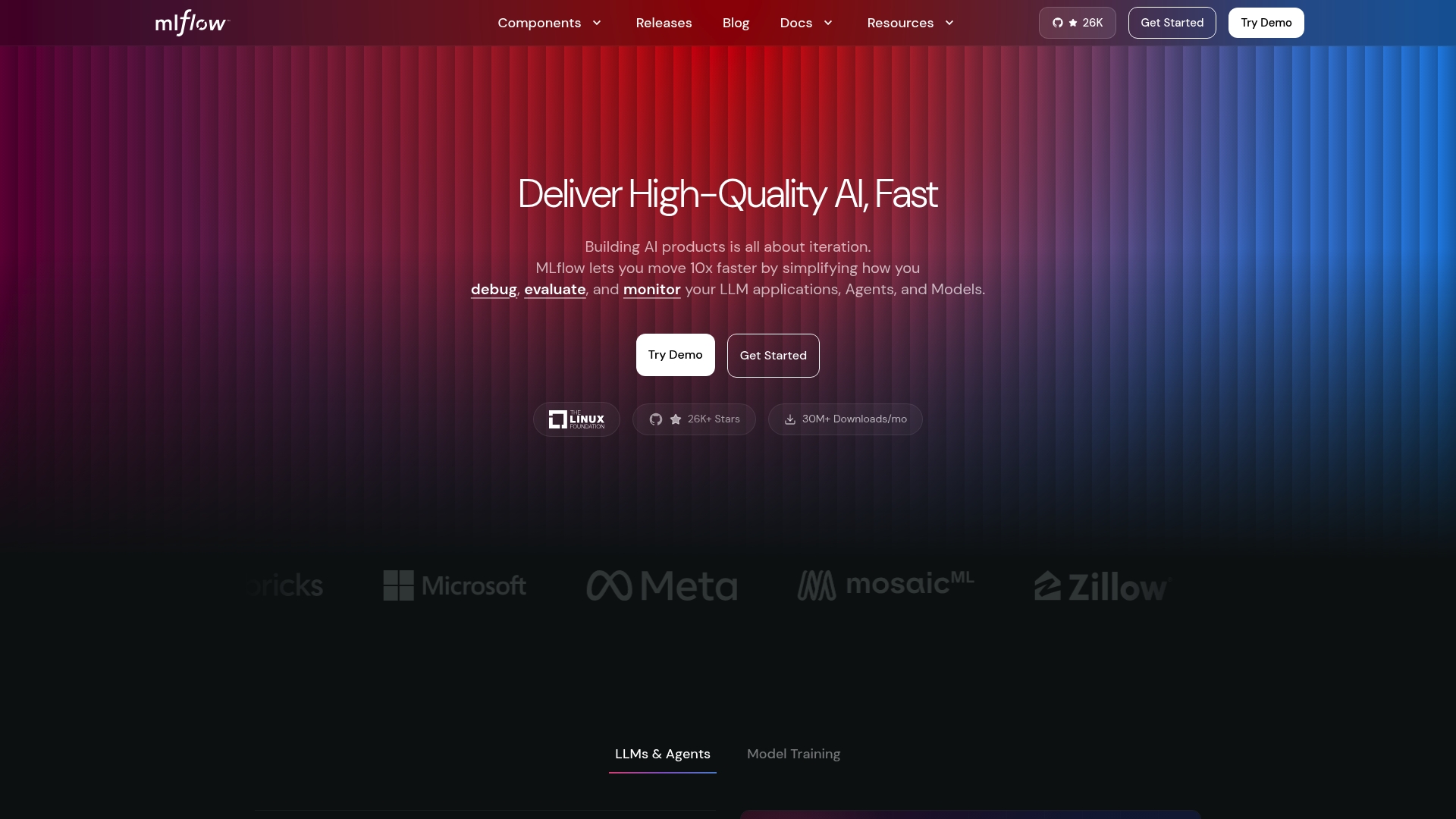
MLflow reports thousands of contributors and millions of downloads. That scale shows the level of community activity supporting experiment tracking, model registry, deployment, and observability. The platform also includes tracing and metrics integration for agentic workflows, which matters when you run LLM-powered agents in production.
Core features
MLflow provides the usual ML lifecycle tools with an emphasis on visibility and governance for agentic systems. Key capabilities include:
- Experiment tracking for run metadata and reproducible results.
- Model registry and lifecycle management with versioning and staged promotion.
- Deployment and serving options for local, container, and cloud targets.
- Observability with OpenTelemetry integration for traces and metrics tied to model and agent behavior.
These features work together so you can trace a failed agent decision back to a specific run, model version, and input prompt.
Key differentiator
Open source and framework-agnostic with full lifecycle coverage and production-grade observability. MLflow combines experiment tracking, model evaluation and registry, and tracing that can follow agentic reasoning across components. That combination makes it practical to standardize evaluation and governance for LLMs and agent workflows.
Pros
-
Wide ecosystem support. MLflow works with major frameworks and CI systems, so you can reuse existing pipelines and tools.
-
Solid observability for agents. The platform links traces and metrics to runs, which speeds root cause analysis for unexpected model outputs.
-
End-to-end lifecycle controls. You get experiment tracking, model comparison, and staged model registry in one place, reducing tool fragmentation.
-
Flexible deployment modes. Local testing, containerized deployment, and cloud hosting are all supported, which fits heterogeneous infra teams.
-
Community-driven development. The project reports a large contributor base and many downloads, which tends to accelerate new feature additions and integrations.
Cons
- Deployment and advanced governance features require infrastructure setup. That setup adds operational work for teams without platform engineering support.
Who it's for
Mlflow suits data scientists, ML engineers, and AI teams that need a framework-neutral control plane for models and agents. Choose MLflow if you want versioned experiments, a model registry you can script, and tracing that ties agent behavior back to runs and prompts. Teams that lack platform engineering resources may need extra support to deploy enterprise features.
Unique value proposition
Production-grade observability that traces agentic reasoning end to end. That capability shortens the time we spend debugging LLM agents by surfacing which run, model version, and prompt sequence produced a given outcome. Coupled with registry and evaluation tooling, it turns exploratory agent prototypes into auditable deployments for regulated or high-value use cases.
Real world use case
A Fortune 500 company uses MLflow to track experiments, validate model performance, and deploy models into production with end-to-end observability. Engineers correlate OpenTelemetry traces with model versions to catch regressions faster and document decisions for audit reviews. The result is more reliable delivery and clearer postmortems when a model behaves unexpectedly.
Website: https://mlflow.org
PromptLayer
At a glance
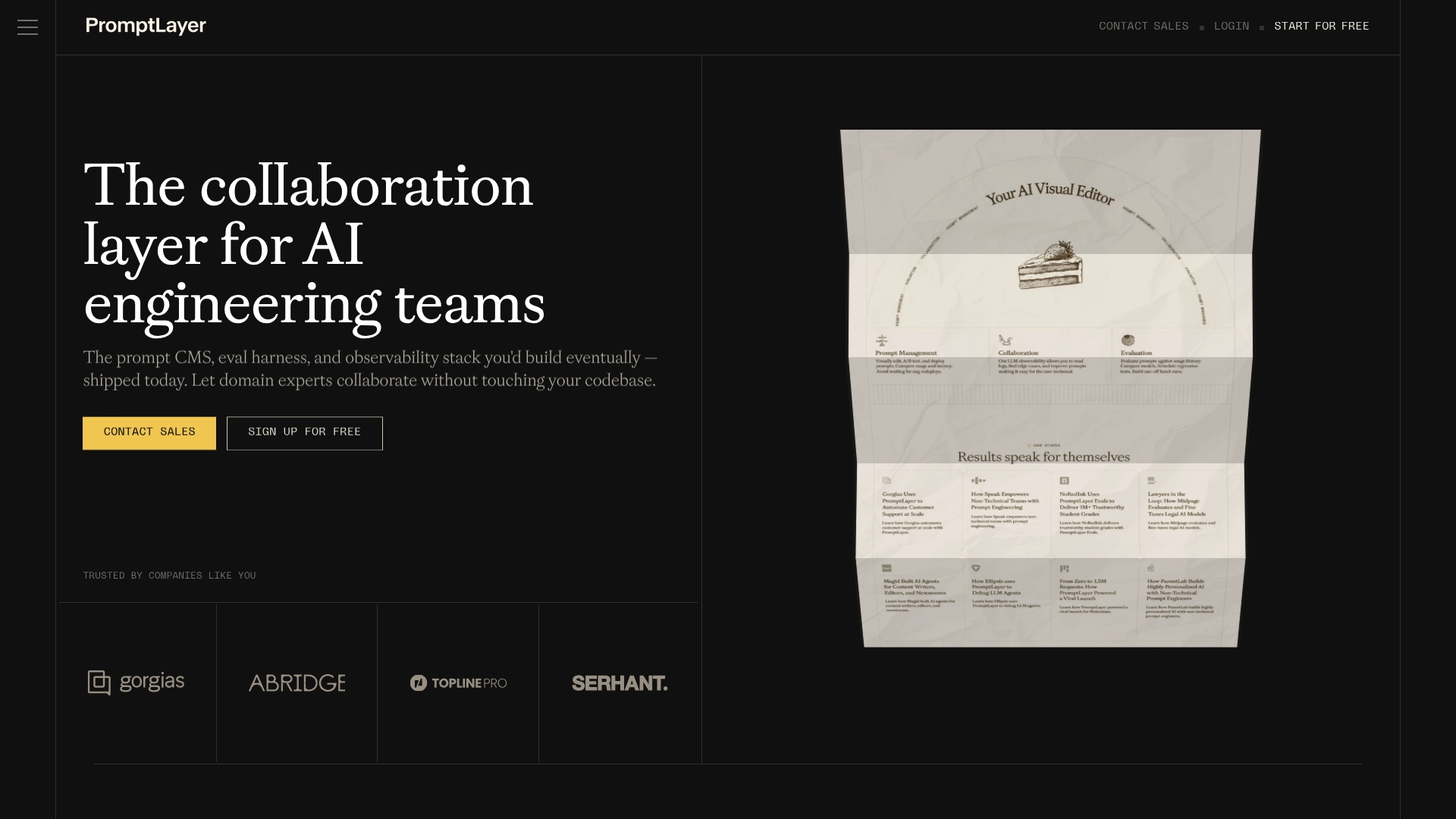
A visual no code editor lets domain experts edit prompts and run A/B tests without developer intervention. Prompt versioning, historical backtests, and regression tests are available alongside execution logs for troubleshooting. The product supports cloud and self hosted deployments and offers scalable plans that include enterprise options.
Core features
PromptLayer groups the capabilities you will use day to day for prompt engineering and observability. The interface targets cross functional teams and captures runtime data for evaluation and debugging.
- Prompt Management — visually edit prompts, run A/B tests, deploy variants, and compare latency and usage.
- Collaboration with non technical stakeholders — domain experts can iterate on prompts through the UI.
- Evaluation tools — historical backtests, regression tests, model comparisons, and batch runs for systematic validation.
- Monitoring — track usage, cost, latency, and inspect execution logs to find failures and regressions.
- Agent workflows — build multi step AI agents, trace their execution, and evaluate step level outcomes.
Key differentiator
The clearest difference is the visual no code focus that brings prompt version control and evaluation to non engineers. We find that making prompts visible and testable in a GUI shortens feedback loops with product and support teams. That design shifts prompts from ad hoc files to first class artifacts with history and metrics.
Pros
- Effective prompt management for LLM driven applications. The UI centralizes versions and deployment points so teams stop editing scattered files.
- Observability and evaluation tools that surface regressions and model differences. Teams can run backtests before rolling out changes.
- Intuitive, no code interface for editing and versioning prompts. Product and support staff can contribute without writing code.
- Collaboration features that reduce handoffs. Reviewers and subject matter experts can annotate prompts and approve updates.
- Scalable plan options for small teams up to enterprise deployments. The vendor offers self hosted and cloud choices.
Cons
- Lacks advanced features for complex prompt engineering workflows beyond the core capabilities. Teams that need programmatic prompt generation may find gaps.
- Pricing can become costly at high request volumes according to user reviews. That may matter for heavy production usage.
- Not a replacement for a full model training or tuning environment. You will still need specialist tooling for low level model work.
When it may not fit
PromptLayer is the wrong choice when your primary need is deep model tuning or custom training pipelines. If your team expects to write complex prompt generation code inside the same tool you will want a development focused environment. Organizations that need turnkey model training or integrated hyperparameter search should look elsewhere.
Notable integrations
- Claude Code
- Pydantic AI
- Vercel AI SDK
- OpenAI Agents SDK
- LangChain
- Hugging Face
- Google Gemini
- Amazon Bedrock
Who it's for
AI engineering teams and prompt engineers who need collaborative versioning, testing, and monitoring for prompts. Product managers and support teams who must approve or iterate on prompt text will get direct value. It suits teams that want a dedicated prompt lifecycle tool alongside existing model infra.
Real world use case
According to the vendor, a support automation team at a SaaS company used PromptLayer to version prompts and run regression evaluations. The team reviewed execution logs before deploying updates. The vendor reports that change produced a 20x increase in support automation efficiency.
Pricing
A free tier offers limited requests and a single workspace for evaluation and small projects. Pro starts at $49/month and unlocks unlimited prompts and larger dataset sizes. Team plans start at $500/month for heavier usage over 100,000 requests per month. Custom enterprise plans are available for large scale or self hosted needs.
Website: https://promptlayer.com
PromptHub
At a glance
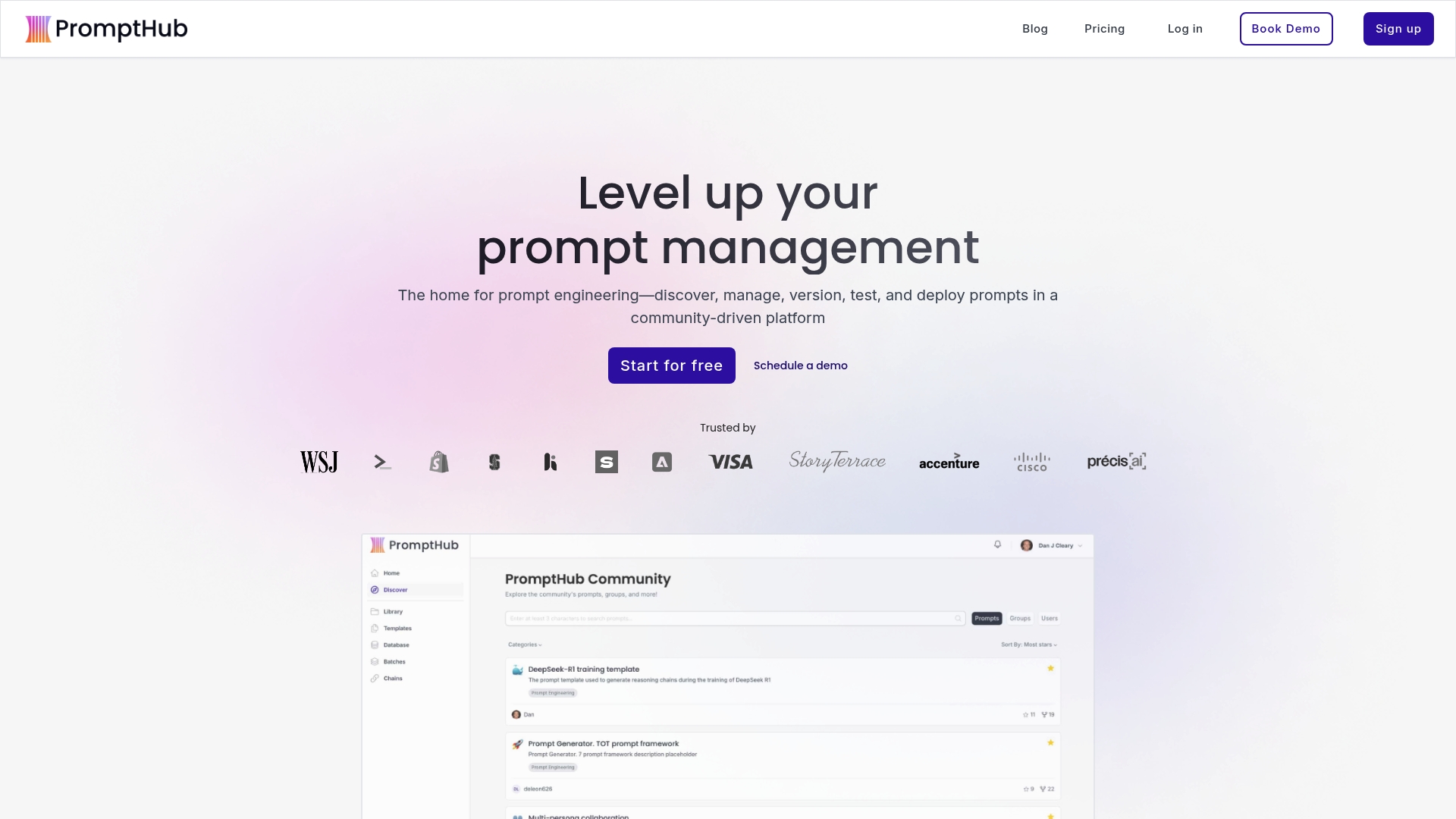
Git based versioning sits at the center of PromptHub's workflow. The platform pairs a community prompt library with built in tools for prompt generation, testing, chaining, and deployment. That combination makes it a practical choice when teams need shared prompt history plus simple routes to API or form deployment.
Core features
PromptHub organizes prompts with Git based versioning and exposes APIs for programmatic workflows. It includes AI enhanced prompt creation, prompt testing and evaluation tooling, and prompt chaining for multi step interactions.
- Prompt management with version control and API access.
- Community sharing and discovery plus reputation mechanisms.
- Prompt testing, batch evaluation, and chaining support.
- Deployment via API, embedded forms, and Zapier integrations.
- Support for custom models and request logging with encryption and proxying.
Key differentiator
PromptHub's distinguishing strength is its community plus built in prompt lifecycle tools. The vendor emphasizes an integrated flow from discovery to deployment that keeps prompt history and test artifacts together. Compared with Mlflow, PromptHub targets prompt engineers and teams focused on prompt quality and reuse rather than full agent orchestration.
Pros
- Platform level collaboration. Teams can share, comment, and manage permissions while keeping version history intact.
- Built in generation and enhancement. The AI enhanced tools speed iteration on wording and system instructions.
- Testing and chaining support. The prompt testing suite and batch runs help validate multi step prompt logic before deployment.
- Flexible deployment paths. You can call prompts from an API, embed a form, or route events through Zapier.
- Community library. Public prompts provide examples you can fork and adapt for internal use.
Cons
- Sparse independent feedback. There is limited third party user reporting to verify long term reliability.
- Free plan limits. The free tier restricts private prompts and request volume compared with paid tiers.
- Advanced features behind paywall. Some deployment and private capacity features require a paid plan.
- Possible scaling gaps for enterprise. Enterprise features are available but may need negotiation and customization.
When it may not fit
Teams that need deep agent tracing, metric level observability, or full agent orchestration may prefer a different tool. Organizations that require large private prompt capacity on a free plan will find limits. Buyers who need broad independent reviews and community validation may want to pilot before committing.
Notable integrations
PromptHub connects directly to major model and cloud providers. Supported integrations include OpenAI, Anthropic, Microsoft Azure, Google Cloud, Meta, and AWS. These integrations let you route prompts to hosted models or your custom endpoints.
Who it's for
PromptHub fits solo prompt engineers, AI developers, and small to medium teams building consistent prompt libraries. It also suits community moderators who curate shared prompt collections. Enterprises can adopt it when they need managed prompt deployment and team permissions.
Real world use case
A customer service team used PromptHub to version prompts for a chatbot. The team ran batch tests after each revision and deployed validated prompts via API. That workflow kept responses consistent while allowing rapid wording experiments.
Pricing
PromptHub offers a free tier and two paid plans. The vendor lists Pro at $12/month and Team at $20/user/month. Enterprise pricing is customizable and requires sales contact.
Website: https://prompthub.us
Comparison of alternatives
Navigating the landscape of LLM prompt versioning platforms entails understanding how different solutions cater to specific user profiles and requirements. Each option offers distinct features and priorities, suitable for varied operational environments and integration needs.
Observability and lifecycle management
MLflow excels in providing production-grade observability conducive to technical teams managing full model and prompt lifecycle requirements. Its integration with OpenTelemetry allows tracing capabilities that effectively link model behaviors to their source prompts, offering unique insights unavailable from standard logging systems. In contrast, while PromptHub provides reliable API access for chain deployment, it lacks similarly advanced tracing capabilities.
Accessibility and collaboration
PromptLayer demonstrates its strength in supporting non-technical stakeholders with an intuitive no-code editor enabling prompt testing, optimization, and deployment. This enables diverse teams—including product managers and domain experts—to collaborate effectively without technical bottlenecks. MLflow and PromptHub focus on developer-centric tools, thus presenting a steeper learning curve for users without a technical background.
Best fit
- MLflow: For teams requiring tracing tools to govern intricate multi-agent workflows combined with end-to-end lifecycle management.
- PromptLayer: For users prioritizing an accessible interface for collaborative prompt editing, testing, and deployment.
- PromptHub: For developers who benefit from leveraging community-curated prompts alongside lightweight integration paths.
Our pick
MLflow distinguishes itself with observability capabilities and broad lifecycle support. Its advanced feature set, including OpenTelemetry integration for complete tracing, makes it an choice for engineering-centric scenarios. However, engineering-light teams or those centered on domain-specific prompt refinement might prefer more collaborative-focused tools such as PromptLayer.
Choosing the right platform for managing and tracing LLM lifecycle workflows depends on understanding each option's capabilities.
| Platform | Core Features | Key Differentiator | Best For | Limitations |
|---|---|---|---|---|
| Mlflow | Experiment tracking, model registry, deployment, observability | Full lifecycle management with tracing and metrics | Teams needing comprehensive ML lifecycle tools | Requires setup for advanced features |
| PromptLayer | Prompt editing, A/B testing, monitoring, collaboration | Visual, no-code interface for non-engineers | Collaborative prompt engineering environments | Lacks programmatic workflow support |
| PromptHub | Git versioning, batch testing, API deployment | Community-shared prompt library with AI-enhanced tools | Teams focusing on prompt reuse and evolution | Limited independent performance reviews |
Manage complex LLM prompt workflows with Mlflow
The article highlights top llm prompt versioning platforms that help teams handle prompt version control, testing, and collaboration challenges. When managing Generative AI and LLM applications, the need for production-grade observability and end-to-end lifecycle governance is critical. Mlflow addresses these pain points by providing deep tracing of agentic reasoning, scripted model registries, and a centralized AI Gateway for secure prompt management across multiple providers.
Mlflow stands out by bridging experimental prompt versions with reliable production deployments. Its open-source nature ensures flexibility while delivering observability that maps every agent action back to specific runs, models, and inputs. You gain control over complex LLM workflows without the overhead of fragmented tools.
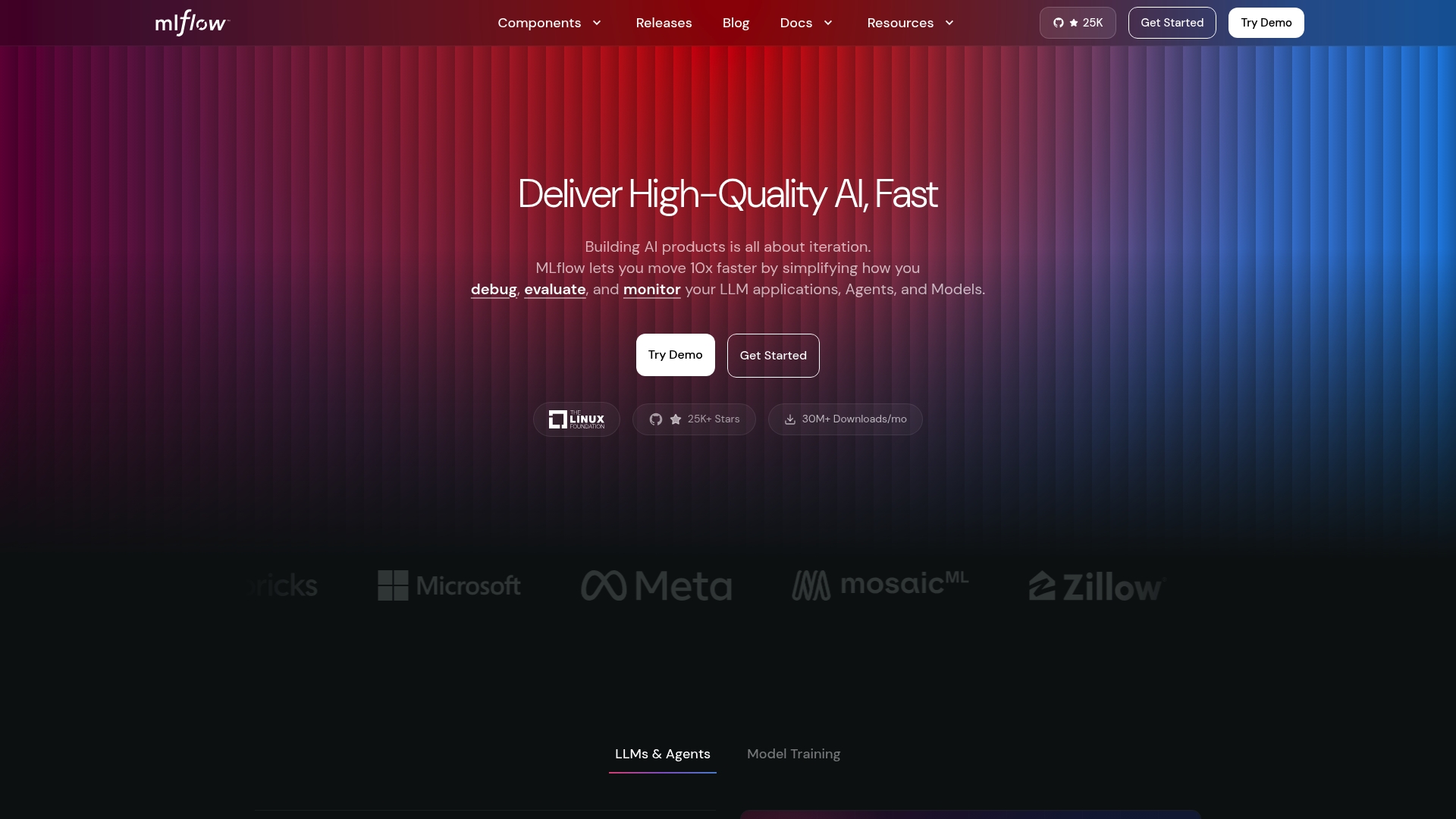
Discover how Mlflow transforms prompt versioning into auditable, transparent AI workflows. Visit Mlflow today to explore the platform’s capabilities and start linking your agent decisions to traceable evaluation sequences. Take charge of your prompt lifecycle now by centralizing prompt governance and leveraging automated LLM-as-a-Judge evaluation frameworks.
FAQ
What features make Mlflow a strong choice for prompt versioning?
Mlflow offers end-to-end lifecycle controls that include experiment tracking, model comparison, and a model registry. These features allow teams to manage prompt versions effectively and ensure reproducibility of results, reducing tool fragmentation. Consider utilizing Mlflow if you need a unified control plane for monitoring and managing your models and prompts.
How does PromptLayer compare to Mlflow for prompt management?
PromptLayer features a visual no-code editor that allows non-technical stakeholders to edit prompts and run A/B tests without developer help. While this usability is beneficial for teams involving product and support staff, Mlflow excels in its comprehensive lifecycle management and tracing capabilities, making it ideal for orchestrating complex agent workflows.
Can i deploy models using Mlflow?
Yes, Mlflow provides flexible deployment options, including local testing, containerized deployments, and cloud hosting. This compatibility ensures that you can fit your deployment needs into diverse infrastructures without significant overhead. Teams looking for versatile deployment support should seriously consider Mlflow for their project.
What pricing tiers does Mlflow offer?
Although the article does not specify exact pricing details, Mlflow is open-source and widely adopted, which typically indicates cost-effective options for teams to access its features without substantial financial commitments. Teams interested in a cost-efficient tool for prompt versioning should evaluate how Mlflow aligns with their budget.
Does Mlflow support integrations with other tools?
Yes, Mlflow supports integrations with major frameworks and CI systems, which allows you to reuse existing pipelines and tools. This capability can streamline your workflows and enhance collaboration across teams by leveraging familiar technologies.