Hermes Agent + MLflow AI Gateway
Route Hermes Agent through the MLflow AI Gateway by pointing Hermes's custom OpenAI-compatible provider at your gateway endpoint. This gives you centralized model routing, usage tracking, and governance while Hermes keeps running its own agent loop, tools, and sessions.
Setup
Prerequisites
- An MLflow tracking environment. See the Connect Your Environment guide if you need to set one up.
- Hermes Agent installed
Step 1: Create a Gateway Endpoint
Navigate to the AI Gateway tab at http://localhost:5000/#/gateway and click Create Endpoint.
- Provider: choose your upstream provider, for example
OpenAI - Model: choose the upstream model you want Hermes to use, for example
gpt-5.5 - API Key: set your API key for the upstream provider, or reuse an existing one if you already have one.
- Endpoint name: choose a name, for example
my-hermes-endpoint
Step 2: Point Hermes at the Gateway
Run Hermes's interactive model setup wizard:
hermes setup model
┌─────────────────────────────────────────────────────────┐
│             ⚕ Hermes Agent Setup Wizard                │
├─────────────────────────────────────────────────────────┤
│  Let's configure your Hermes Agent installation.       │
│  Press Ctrl+C at any time to exit.                     │
└─────────────────────────────────────────────────────────┘

  ...

  Select provider:
  Select by number, Enter to confirm.

  (●)  1. Nous Portal (Nous Research subscription)
  (○)  2. OpenRouter (100+ models, pay-per-use)
  (○)  3. LM Studio (local desktop app with built-in model server)
  ...
  (○) 36. Custom endpoint (enter URL manually)
  (○) 37. Configure auxiliary models...
  (○) 38. Leave unchanged

  Choice [default 1]: 36
When prompted, choose option 36: Custom endpoint (enter URL manually) and fill in the values that point at your gateway endpoint:
# Step 1: Specify the API base URL
API base URL [e.g. https://api.example.com/v1]: http://localhost:5000/gateway/mlflow/v1

# Step 2: Leave the API key blank (managed by the gateway)
API key [optional]:

# Step 3: Specify the gateway endpoint name as the model name
Model name (e.g. gpt-4, llama-3-70b): my-hermes-endpoint

# Leave other values as default
hermes setup model writes the setup configuration into ~/.hermes/config.yaml for you.
Hermes's custom provider expects a standard OpenAI-compatible /v1 API. MLflow AI Gateway exposes exactly that interface at /gateway/mlflow/v1.
Alternative: edit ~/.hermes/config.yaml directly
If you prefer not to use the wizard, the equivalent configuration is:
model:
  default: "my-hermes-endpoint"
  provider: "custom"
  base_url: "http://localhost:5000/gateway/mlflow/v1"
  # api_key: "your-gateway-api-key"
Step 3: Run Hermes Agent
Start an interactive Hermes session:
hermes
Hermes routes its underlying model calls to the gateway using my-hermes-endpoint.
Alternative: route the Hermes API server through the gateway
The same configuration also applies if you run Hermes in API server mode. Enable the server in ~/.hermes/.env:
API_SERVER_ENABLED=true
Then start it and send a test request:
hermes gateway run
python - <<'PY'
from openai import OpenAI

client = OpenAI(base_url="http://localhost:8642/v1", api_key="not-required")
response = client.chat.completions.create(
    model="hermes-agent",
    messages=[{"role": "user", "content": "Say hello in one sentence."}],
)
print(response.choices[0].message.content)
PY
What You Get
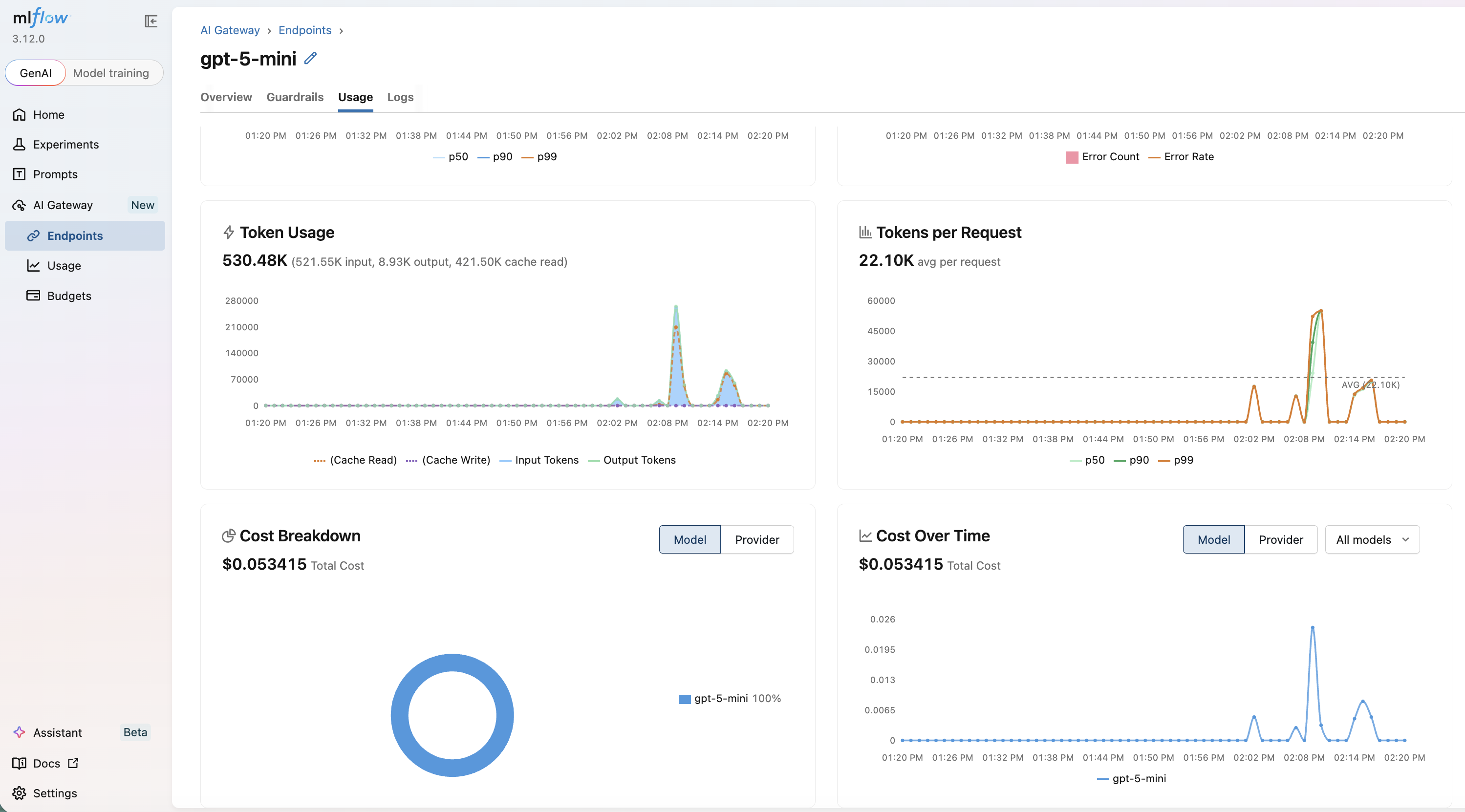
Every Hermes model request routed through the gateway is captured in MLflow. Open the Usage page and inspect the Logs tab in the MLflow UI to review inputs, outputs, token usage, and latency for each request.
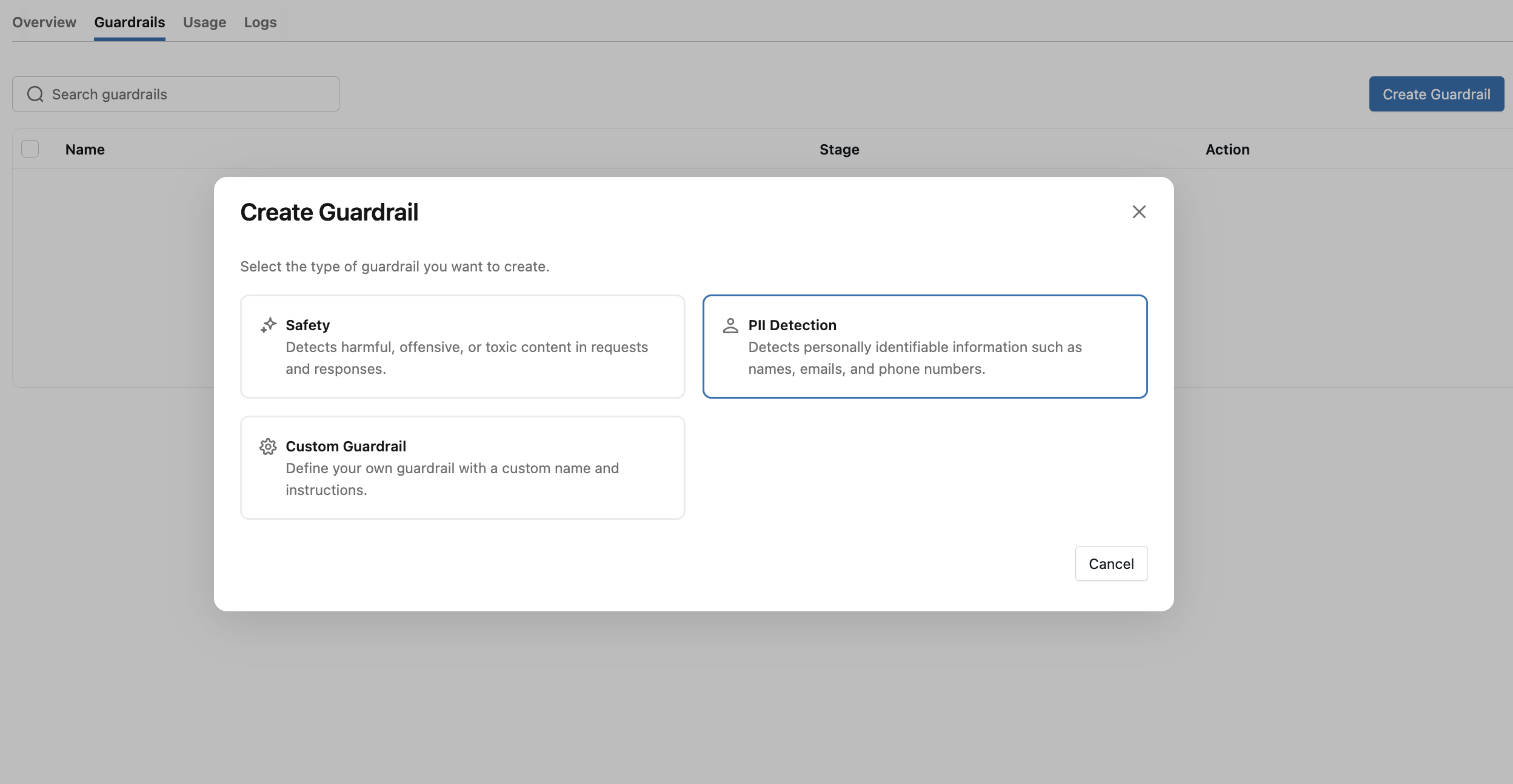
You can also apply guardrails to every Hermes request that flows through the endpoint — for example, PII detection or safety filters — without modifying Hermes itself.
See the following guides for more details about the features you get when routing Hermes through the gateway:
Usage Tracking
Monitor token usage and latency across Hermes sessions routed through the gateway
Guardrails
Apply centralized guardrails to the model calls Hermes makes through the gateway
Budget Alerts & Limits
Set spending limits for long-running Hermes workloads before they run away
Trace End-to-End Hermes Execution
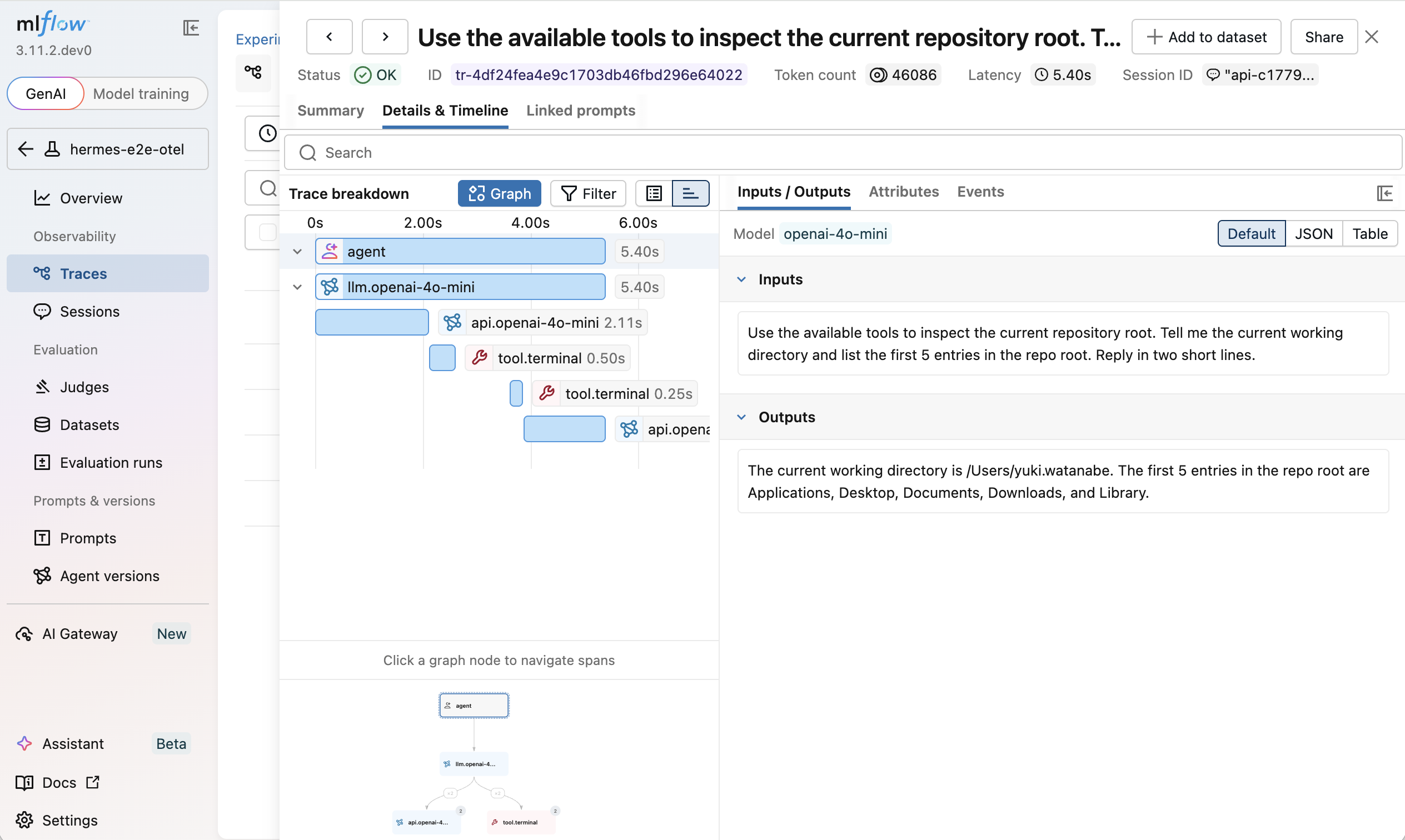
Routing Hermes through the gateway captures every model request, but it does not show the full agent loop, including tool calls, multi-turn reasoning, or session metadata.
To capture those, follow the Tracing Hermes Agent guide for the full setup.