Tracing Databricks
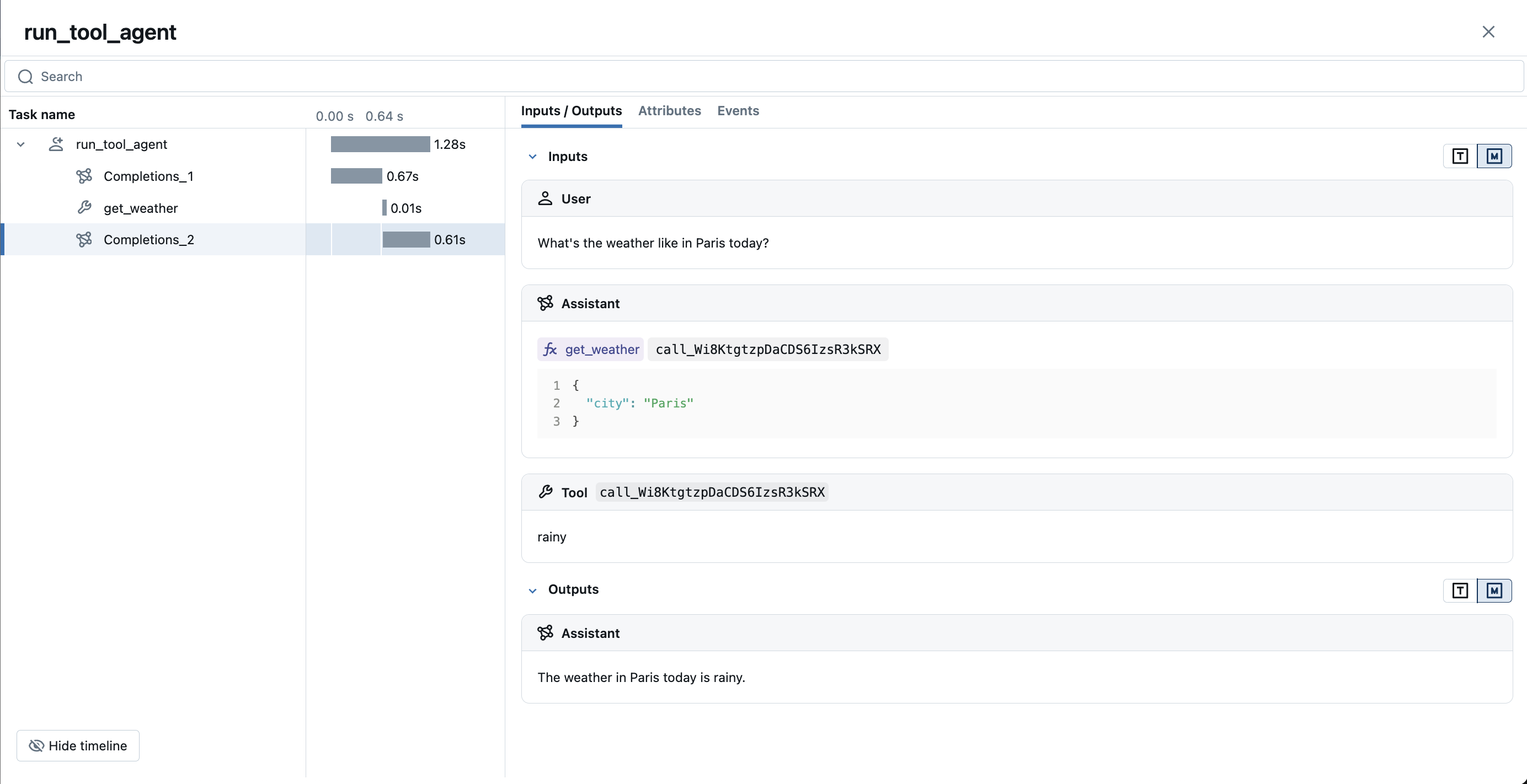
Databricks offers a unified platform for data, analytics and AI. Databricks Foundation Model APIs provide an OpenAI-compatible API format for accessing state-of-the-art models such as OpenAI GPT, Anthropic Claude, Google Gemini, and more, through a single platform. Since Databricks Foundation Model APIs are OpenAI-compatible, you can use MLflow tracing to trace your interactions with Databricks Foundation Model APIs.
Managed MLflow on Databricks
Databricks offers a fully managed MLflow service as a part of their platform. This is the easiest way to get started with MLflow tracing, without having to set up any infrastructure. If you are using Databricks Foundation Model APIs, it is no brainer to use the managed MLflow for end-to-end LLMOps including tracing.
This guide only covers how to trace Databricks Foundation Model APIs using MLflow tracing. For more details on how to get started with MLflow tracing on Databricks (e.g., tracing agent deployed on Databricks), please refer to the Databricks documentation.
Getting Started
Install dependencies
- Python
- JS / TS
pip install mlflow openai
npm install @mlflow/openai openai
Enable tracing and call Databricks
- Python
- JS / TS
import openai
import mlflow

# Enable auto-tracing for OpenAI (works with Databricks)
mlflow.openai.autolog()

# Initialize the OpenAI client with Databricks API endpoint
client = openai.OpenAI(
    base_url="https://example.staging.cloud.databricks.com/serving-endpoints",
    api_key="<your_databricks_token>",
)

response = client.chat.completions.create(
    model="databricks-gemini-3-pro",
    messages=[
        {"role": "system", "content": "You are a helpful assistant."},
        {"role": "user", "content": "What is the capital of France?"},
    ],
)
import { OpenAI } from "openai";
import { tracedOpenAI } from "@mlflow/openai";

// Wrap the OpenAI client and point to Databricks endpoint
const client = tracedOpenAI(
  new OpenAI({
    baseURL: "https://example.staging.cloud.databricks.com/serving-endpoints",
    apiKey: "<your_databricks_token>",
  })
);

const response = await client.chat.completions.create({
  model: "databricks-gemini-3-pro",
  messages: [
    { role: "system", content: "You are a helpful assistant." },
    { role: "user", content: "What is the capital of France?" },
  ],
});
View traces in MLflow UI
Browse to your MLflow UI (for example, http://localhost:5000) and open the Databricks experiment to see traces for the calls above.
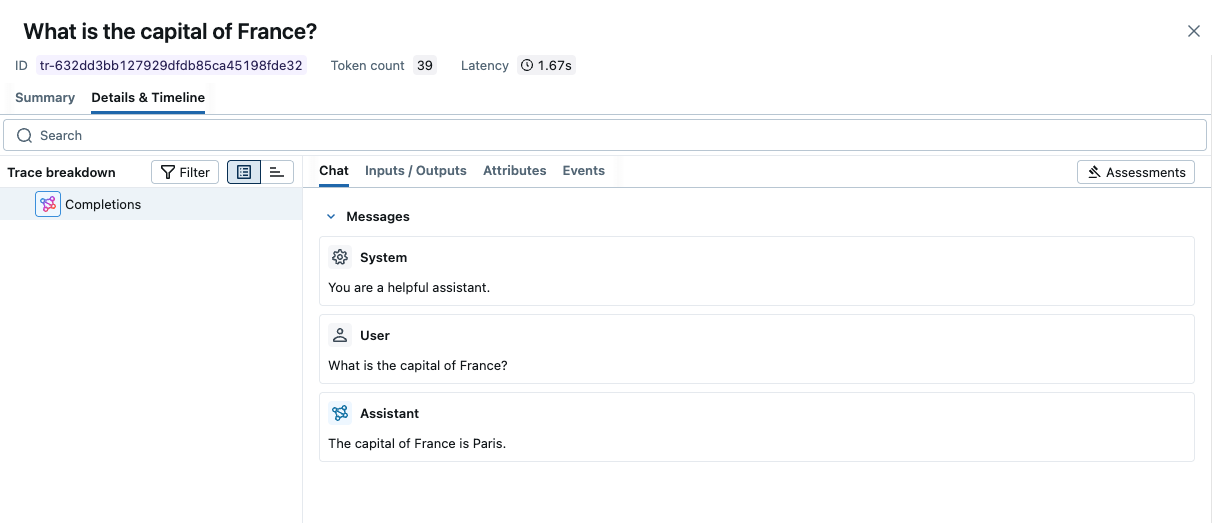
-> View Next Steps for learning about more MLflow features like user feedback tracking, prompt management, and evaluation.
Streaming and Async Support
MLflow supports tracing for streaming and async Databricks APIs. Visit the OpenAI Tracing documentation for example code snippets for tracing streaming and async calls through OpenAI SDK.
Combine with frameworks or manual tracing
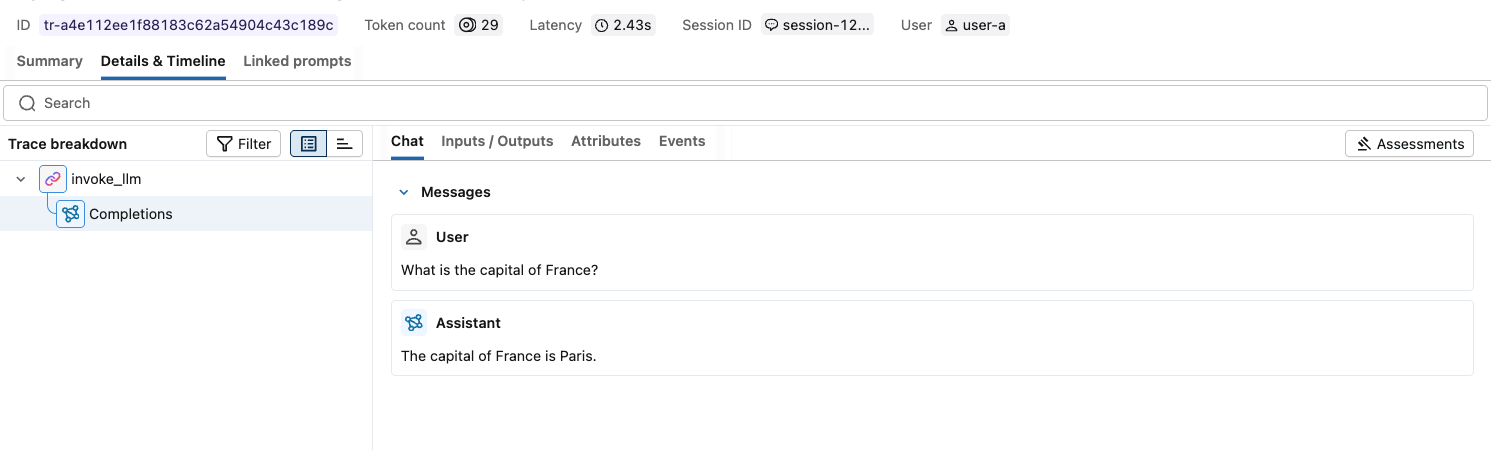
The automatic tracing capability in MLflow is designed to work seamlessly with the Manual Tracing SDK or multi-framework integrations. Please refer to the Combining with frameworks or manual tracing for example code snippets.
Next steps
Track User Feedback
Record user feedback on traces for tracking user satisfaction.
Manage Prompts
Learn how to manage prompts with MLflow's prompt registry.
Evaluate Traces
Evaluate traces with LLM judges to understand and improve your AI application's behavior.